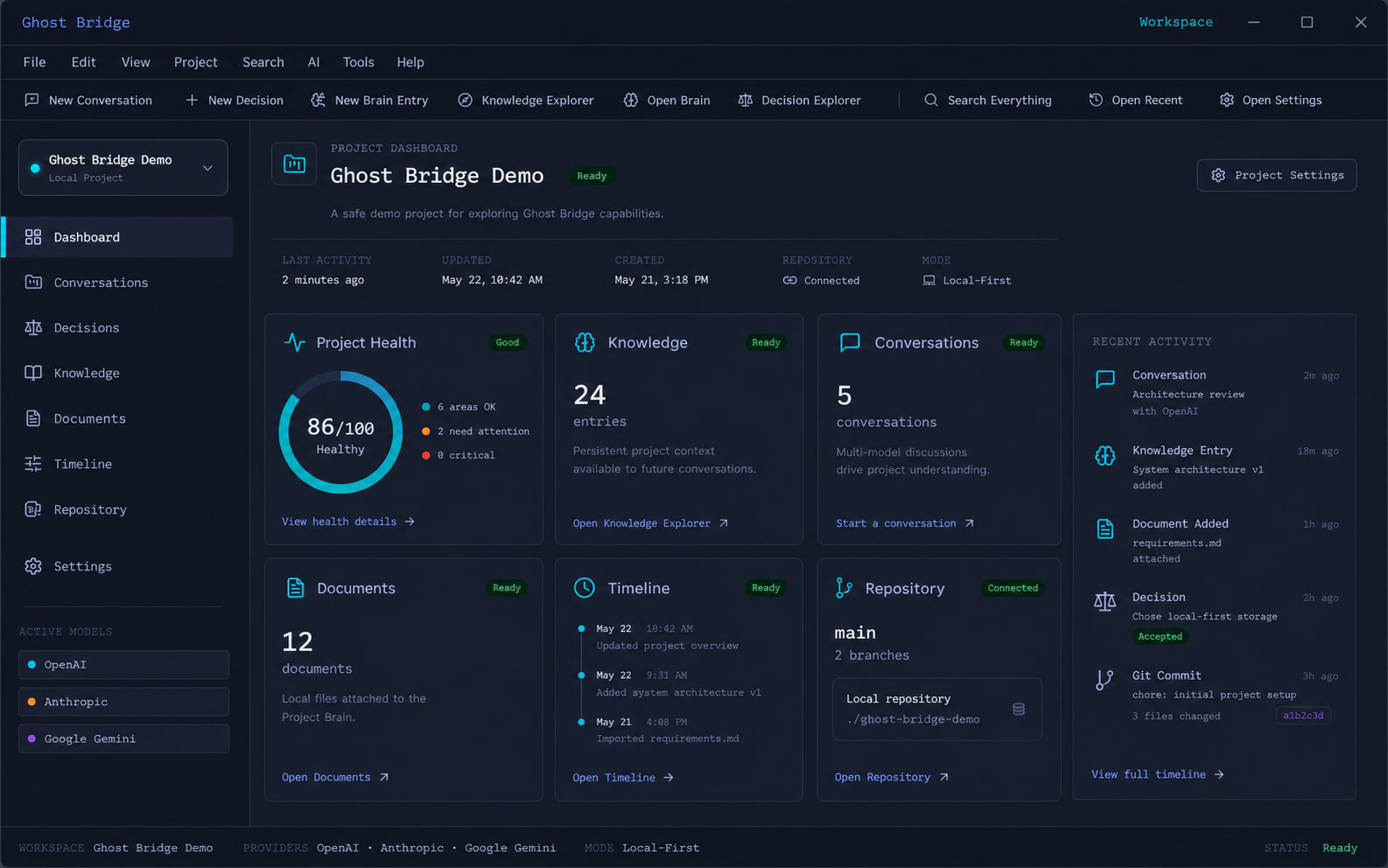
Project Dashboard and Health
See project status, recent activity, and workspace health in one place. Spot what needs attention before context goes cold.
Coming Soon From Ghost Logics
Ghost Bridge is a local-first workspace that keeps your AI conversations, project knowledge, decisions, Git evidence, and implementation history connected—without locking you into one model or editor.
Bring your own AI provider or work locally with Ollama and LM Studio.
The Problem
Modern development work is spread across AI chats, editors, Git history, notes, files, and half-finished prompts. Months later, the hard part is not finding code—it is recovering the decisions, context, and evidence that led to it.
The Ghost Bridge Difference
Keep conversations, knowledge, documents, decisions, and activity connected to the project they belong to.
Link design decisions to conversations, files, Git evidence, implementation packages, and validation outcomes.
Use supported cloud providers with your own keys, or keep work local with Ollama and LM Studio.
Prepare an implementation package in Ghost Bridge, then open the verified project in Cursor or Visual Studio Code.
How It Works
Turn a feature idea into a durable engineering record. Ghost Bridge keeps the reasoning, implementation context, validation evidence, and project history connected over time.
Inside the Workspace
Concept previews shown while real product screenshots are being captured during beta.
See project status, recent activity, and workspace health in one place. Spot what needs attention before context goes cold.
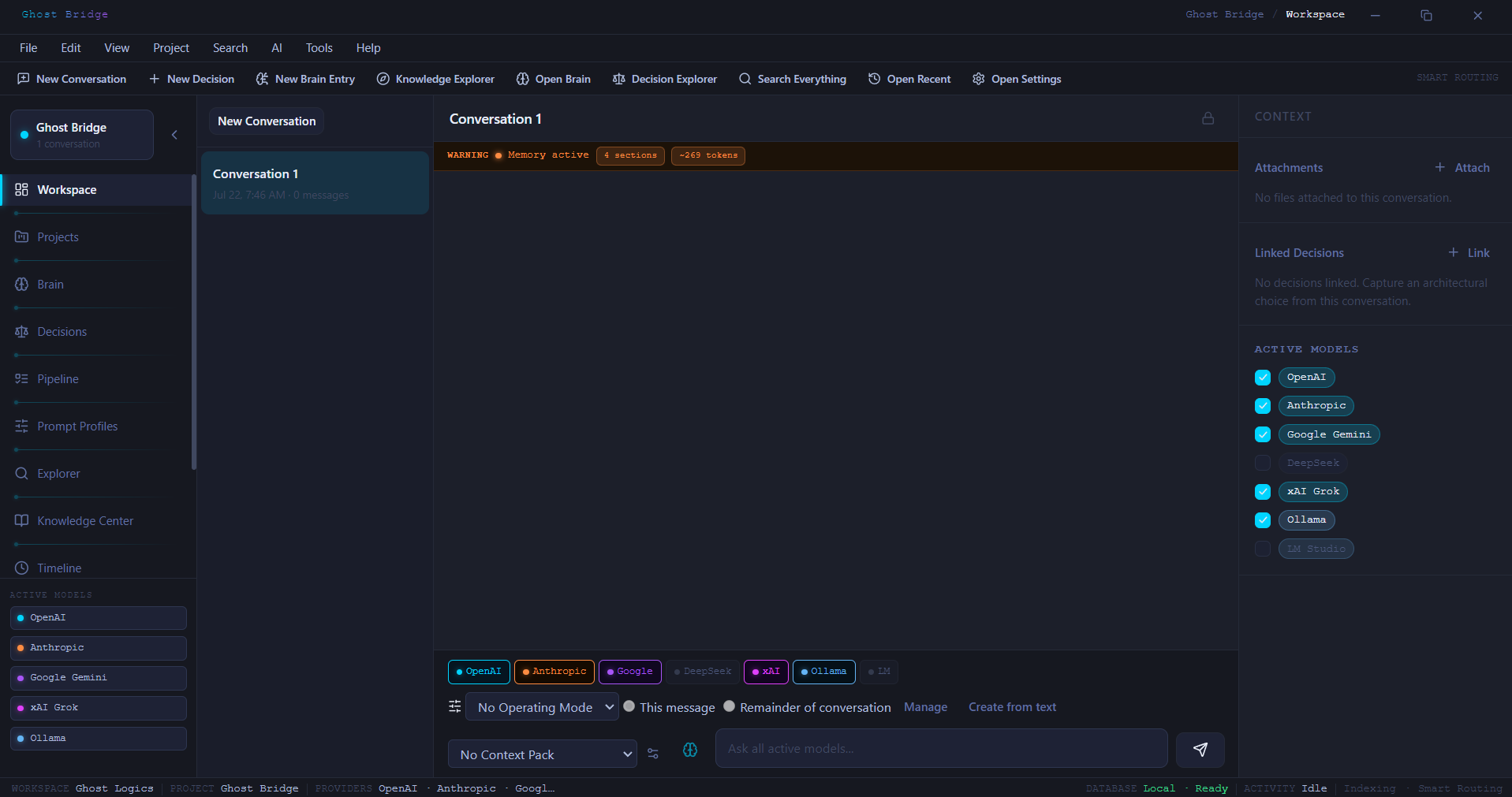
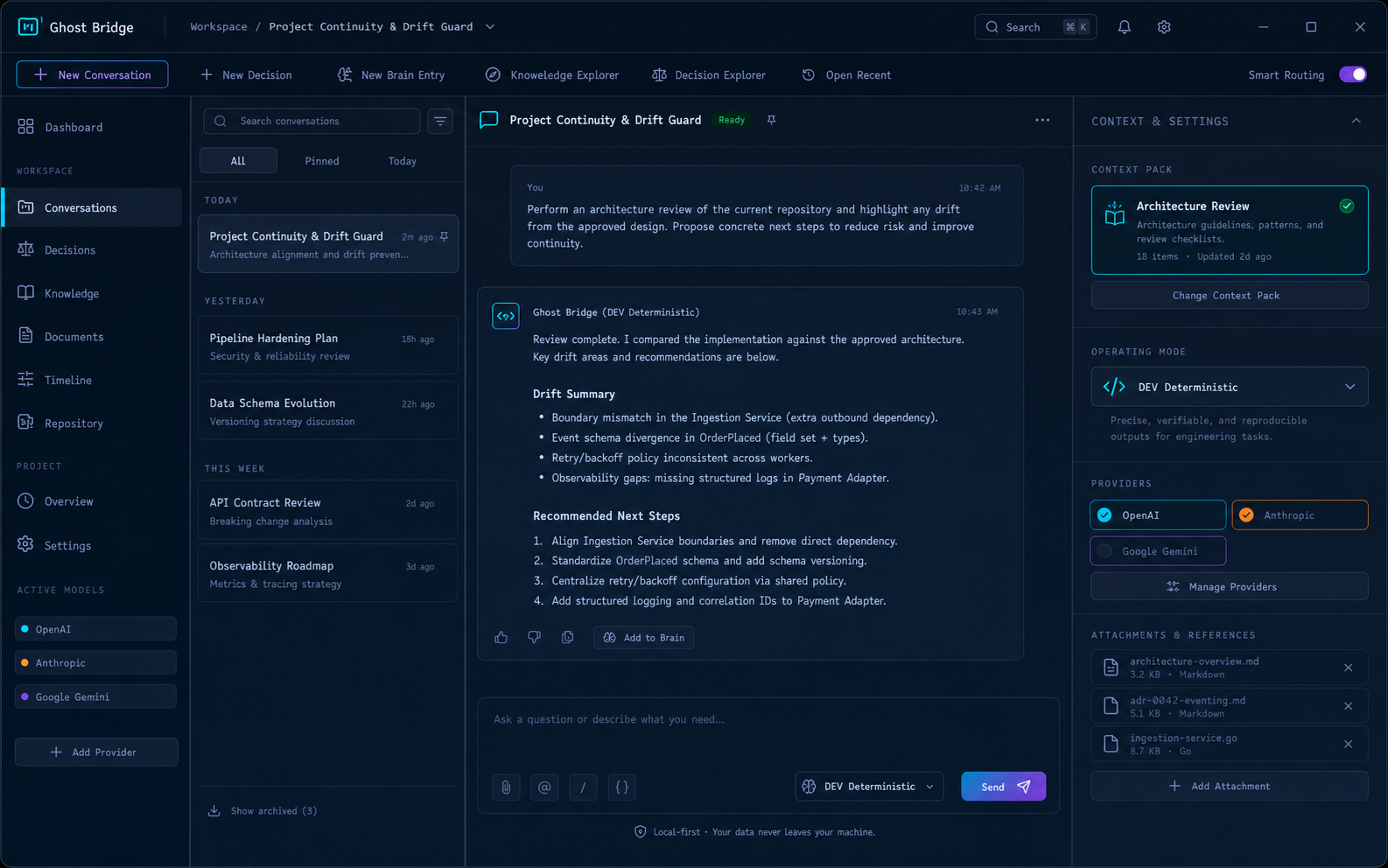
Capture AI conversations with attachments, assemble Context Packs, and reuse Prompt Profiles. Bring continuity to work that usually lives in scattered chat windows.
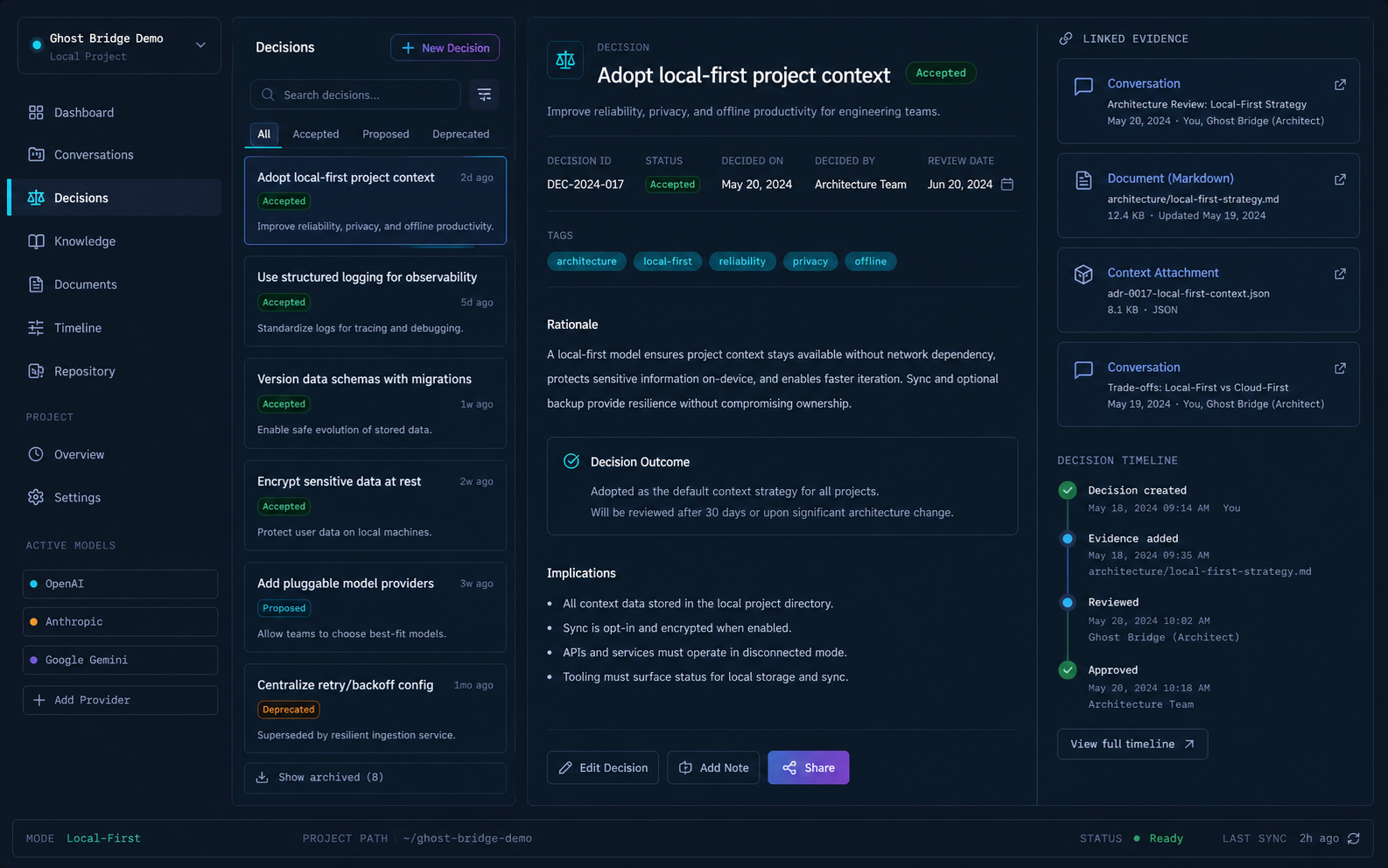
Record design decisions and connect them to the conversations, files, and outcomes that justified them. Recover the why months later—not just the what.
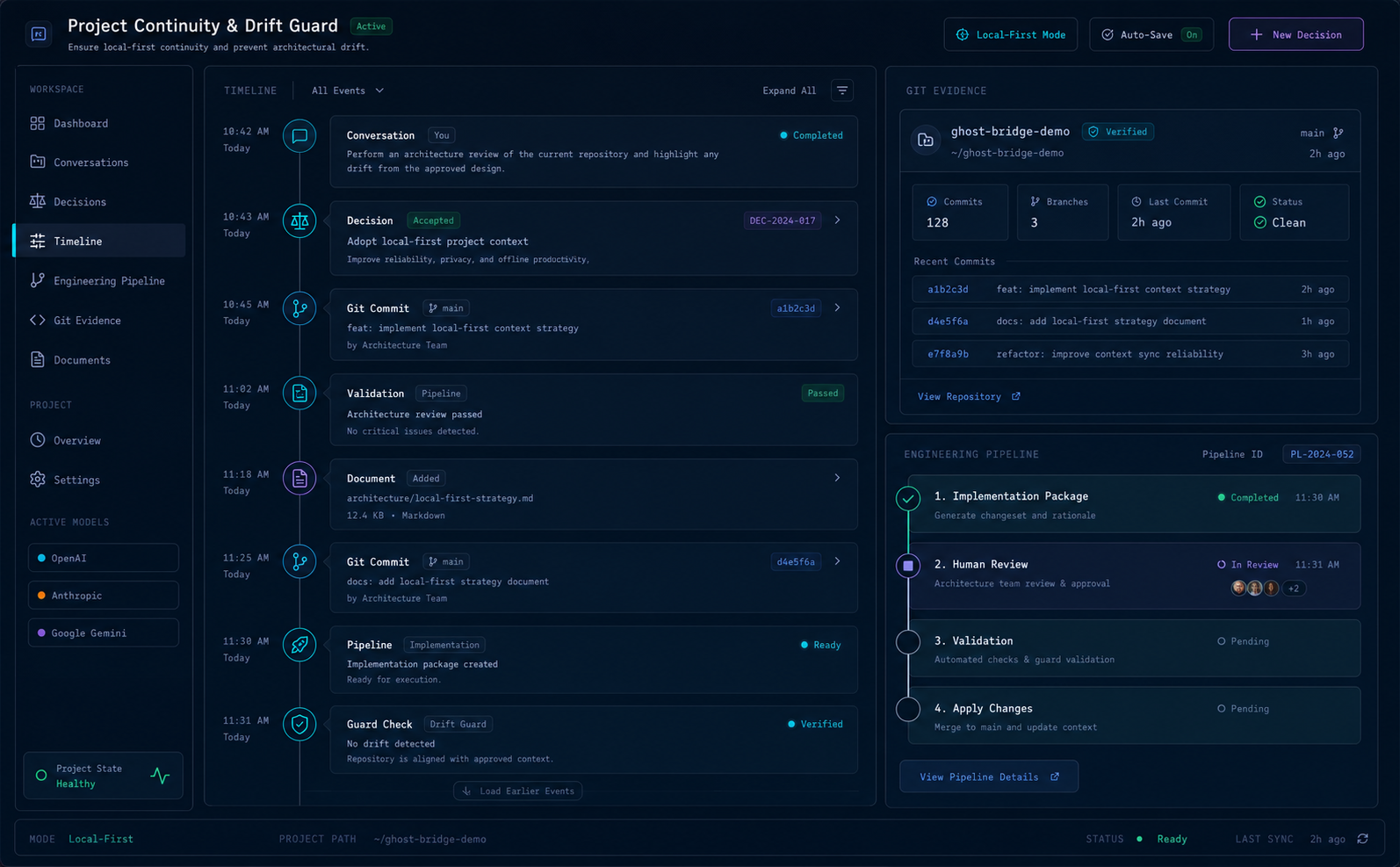
Follow work across timeline events, Git evidence, and the engineering pipeline. Keep implementation history readable as the project grows.
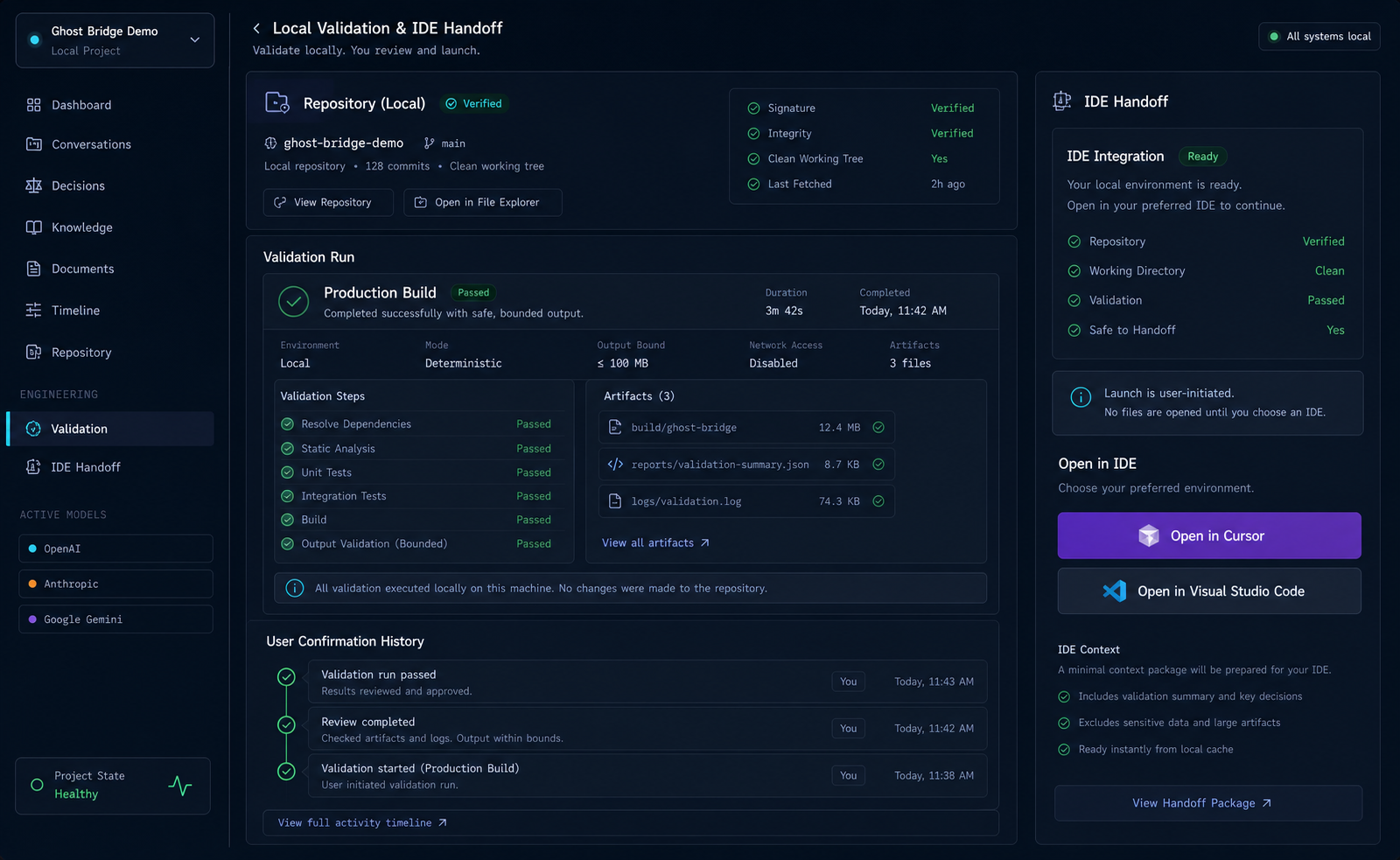
Run local validation, then hand off a verified project and implementation package to Cursor or Visual Studio Code. Ghost Bridge prepares context; your editor does the coding.
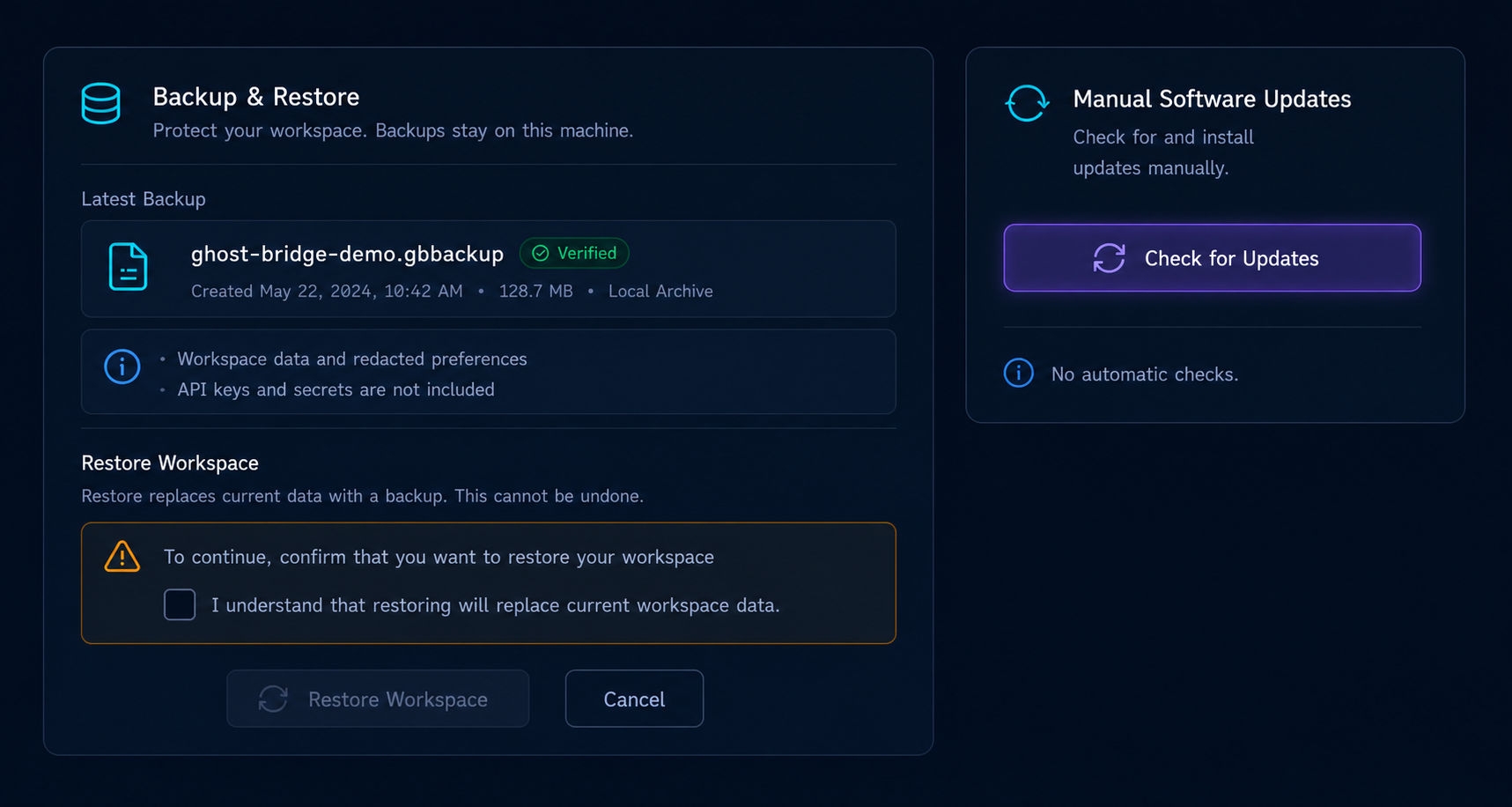
Back up and restore your local workspace on your terms. Check for updates when you choose—without forced cloud sync or silent background telemetry.
Privacy & Control
When you choose a cloud provider, only the context you intentionally include in that request is sent to that provider.
Integrations
Ghost Bridge does not control agents in external tools. It prepares context and opens verified projects in the editors you already use.
Local model support
Local model support
Open verified projects and hand off implementation packages
Open verified projects and use implementation briefs
Companion workflow guidance coming with launch documentation
Early Access
Ghost Bridge is preparing for its first public release. Join the early-access list to receive launch updates, product previews, and release information.
Join the Early Access ListOpens your email client to dev@ghostlogics.com. No third-party form or tracking on this page.
No. Ghost Bridge is the engineering workspace around your editor: it preserves project context, decisions, evidence, and workflow history.
No. Ghost Bridge supports local-model workflows through Ollama and LM Studio. Cloud providers are optional and use your own credentials.
No. It is designed to work alongside them, helping you prepare context and preserve the reasoning behind the work.
Ghost Bridge is in final release preparation. Join the early-access list for updates.
Coming soon · Desktop engineering workspace
Choose the right profile for planning, coding, diagnostics, security, review, and marketing. The saved profile selector is available in the updated Coding QA build.
Read the profile workflow guide →